
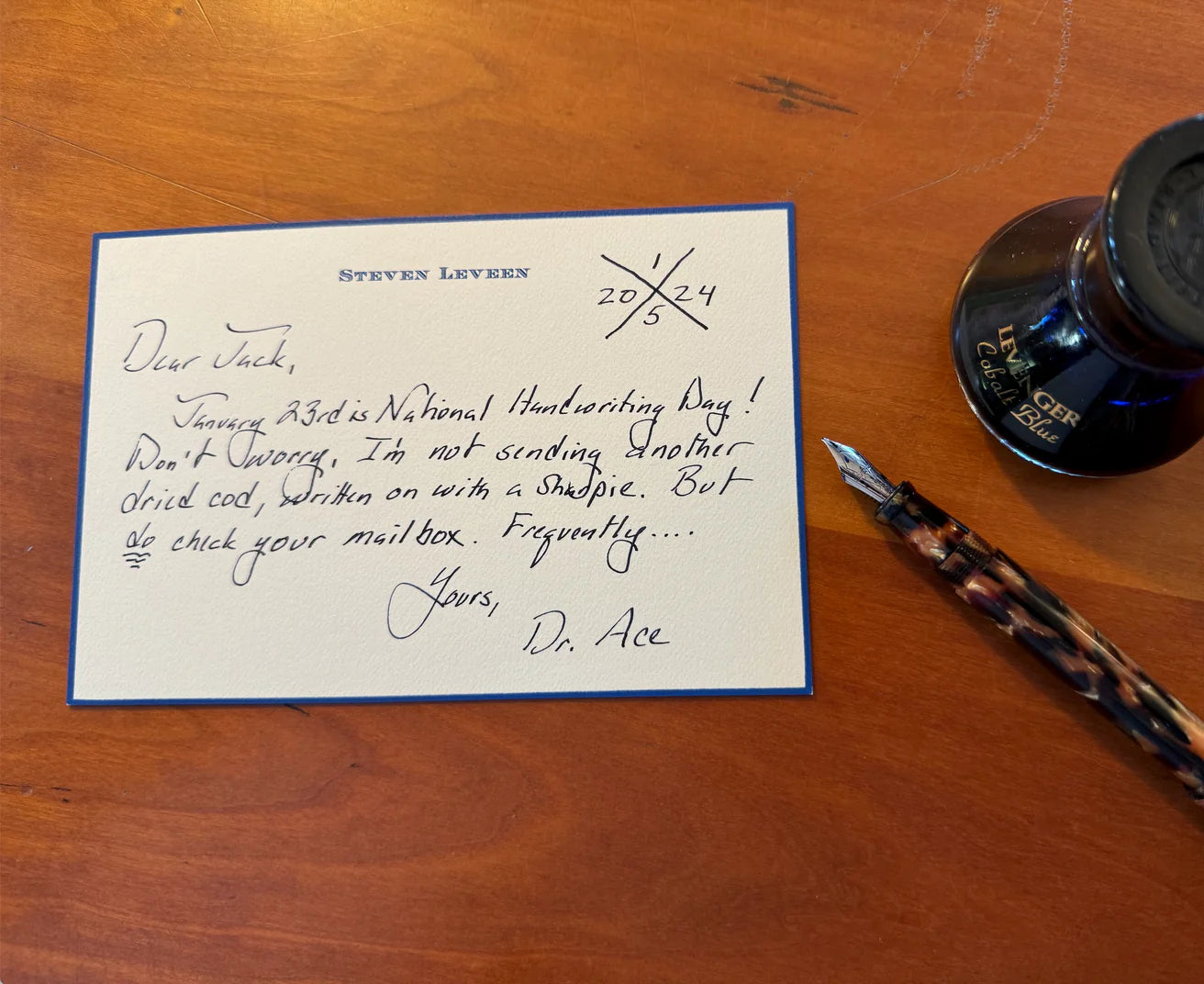
A clear desk is not a minimalist fantasy; it’s a working studio where your mind knows what to do next. In practice, order comes from three repeatable moves: capture what arrives, decide what it means, and store it where future‑you will actually find it. This Core Guide shows how to make those moves second nature across your desk, home files, study notes, and even the kitchen—using elegant tools and a cadence you can keep.
The architecture of a calm workspace
Most paper problems are not volume problems; they’re routing problems. A bill left on the keyboard, a meeting note that never becomes a task, a recipe you can’t quite find when guests arrive—each is a routing gap. Solve routing once and you’ll spend less time hunting and more time doing.
Build your workspace around three moves:
- Capture: One reliable landing place for everything new—mail, printouts, handouts, incoming notes.
- Decide: A short, routine review where each item becomes an action, a reference, or recycling. Touch it once when you can.
- Store: A limited set of well‑labeled homes—active projects at arm’s reach, reference files near but not on the desk, archives out of sight.
With this architecture in mind, the rest is craftsmanship: sizing containers to your space, naming clearly, and choosing tools that help you think.
Designing desk zones that stay tidy
Clarity at the surface level matters because it biases toward action. Define three zones you can reset in five minutes: a primary work zone, a tools zone, and a paper‑flow zone. Keep the center clear for your laptop and a single notepad; gather pens, glasses, and cards in one contained organizer so they don’t roam; and give paper a visible path from landing to decision to file.
If you’d like a step‑by‑step, room‑temperature way to set these zones, see the practical routines in How to organise a desk so it stays tidy. That guide explains a five‑minute weekly reset, the one‑touch rule for paper, and small‑space strategies for shared or fold‑away desks.
From inbox to outcome: your five‑minute review
Good systems honor busy days. Instead of saving decisions for “later,” run a short daily or near‑daily review. Sort what’s in your in‑tray into three piles: actions (do/plan/delegate), reference (file where you’ll look for it), and recycling (let it go). Schedule a slightly longer weekly session to finish filing and stage next week’s work. If you prefer a ritualized cadence, you may enjoy the rhythms in Weekend Reset: Planning the Week on a Monthly Desk Pad and Compact Circa, which pairs a light desk sweep with next‑week planning.
Home filing that survives real life
The most reliable home systems are simple on purpose. Six to eight broad categories cover nearly everything—Finance, Taxes, Insurance, Medical, Property, Education/Kids, Vehicles, and Projects. Plain‑English labels reduce friction: “2026 Taxes,” “Mortgage—Statements,” “Car—Service.” Keep current‑year items up front; archive prior years behind or in a separate box.
If you’d like a complete walkthrough—including which filing methods fit households best, what to stage on the desktop versus in a cabinet, and an easy weekly/quarterly rhythm—read How to set up a home filing system that stays organised. It distills common methods (alphabetical, chronological, category‑based) and shows where each actually helps at home.
Index cards: small format, serious thinking
Cards are more than study aids; they’re modular thinking units. They excel when ideas need to be rearranged—drafting a presentation, mapping a research thread, rehearsing language, or staging tasks. A workable approach gives every card an identity (a short title or code), uses color or tabs for signal, and separates “active” cards on the desk from an archive you can depend on.
For hands‑on staging, a stepped stand keeps today’s stack visible and in order. A compact option like Bamboo Index Card Bleachers holds multiple sets at once, useful for alternating between vocabulary, quotes, and to‑do cards during a single session. When sets mature, retire them to a durable archive like the drawer‑style Card Catalog Box, which protects finished work and invites retrieval later.
Color and structure add speed. Tabbed cards can separate definitions from examples or research notes from open questions; a ready‑made set such as SortSmart Tabbed 3 x 5 Index Cards helps you index and reshuffle without hunting for sticky flags. And if you prefer planning your week on cards rather than in an app, a purpose‑built deck like Think • Dream • Do TRI Analog Planner Cards lets you lay out priorities physically, choose the three that matter most, and keep them at eye level.
For a complete framework—choosing a primary method (spaced repetition, linking notes, task flow, or sequencing), setting numbering conventions, and keeping an active dock on your desk—see How to Organize Index Cards for Study, Research, and Project Notes. It’s a concise playbook to move from idea to outcome with cards.
Recipe cards: protecting family handwriting while you cook
Kitchen paper suffers unique hazards—steam, splatter, and frequent handling. The goal is to keep your current menu visible while protecting the collection the rest of the week. Many cooks keep a small open box near meal‑planning space for this week’s picks, then store the broader recipe archive in a sturdier drawer‑style box or a discbound book you can reorganize as favorites change.
An airy, grab‑and‑go option like the Nantucket Note Card Box works well as a staging area for recipes in rotation; its open design encourages quick flipping and regular updates. For a deeper comparison of storage options—box versus book, sleeves versus stands—and a setup that keeps heirloom cards clean and readable, see Storing recipe cards so they stay clean and readable.
Choosing containers for paper flow
Different workstyles ask for different containers. Use this compact matrix to choose based on where papers live in your process.
| Option | Best for | Strengths | Tradeoffs | Placement |
|---|---|---|---|---|
| Single in‑tray | All incoming paper in one spot | Simple capture, easy to clear in batches | Can hide urgent items if review is infrequent | Top of desk, left or right |
| Stepped sorter | Active projects/tasks that need visibility | Priorities stay in sight; natural sequencing | Exposes documents to view; needs weekly reset | Within reach, angled toward dominant hand |
| Portable file tote | Hybrid home/office or shared spaces | Moves with you; keeps categories intact | Limited capacity; requires parking spot | Under desk or on a side surface |
| Lidded file box | Reference and archives | Dust protection; stackable; labelable | Out of sight can mean out of mind | Shelf or cabinet near the desk |
| Drawer‑style card/recipe box | Card archives and curated sets | Fast retrieval; tactile; encourages curation | Dedicated to card formats only | Desk corner or nearby shelf |
- File Smart Dossier (set of 6) — Keeps active papers visible and prioritized with stepped slots for easy sequencing.
- LevTex Serengeti Portable File Tote and Lid — A portable file tote that moves with you for hybrid or shared workspace paper flow.
- Raffia Desk File Holder Bundle — A simple on‑desk holder that collects incoming paper for batch processing and quick clearing.
Naming, labeling, and version control
Plain language beats clever categories. If a guest could file a paper correctly, you’ve named it well. For projects, pair a short title with a date or phase—“Kitchen Refresh—Quotes (2026 Q3).” On index cards, a tiny code in the top right (e.g., a date plus a letter for topic) creates a breadcrumb trail without slowing you down. Consistency compounds: the same style used across folders, tabs, and cards helps your brain recognize patterns quickly.
Active versus archive: what lives where
Don’t ask permanent storage to do the job of an active organizer. Keep only what you’ll use this week in arm’s reach; move reference material to a labeled file box; archive last year’s records together so retrieval is predictable. With cards, stage only this week’s sets on a stand and retire finished stacks to a durable drawer—something like the Card Catalog Box—so they’re protected but still a pleasure to revisit.
Small desks, shared spaces, and the art of put‑away
In apartments, dorms, and shared home offices, the essential skill is reset speed. Choose a compact surface with a single container for tools and a portable home for active papers. A stepped stand for cards or a slim sorter for documents can “dock” on the desk during work, then slide onto a shelf when you need the table for dinner. If you’re building a light‑touch routine for the beginning of the day, the cues in Analog Mornings: A 20‑Minute Paper‑First Routine to Set Your Day’s Focus pair well with a quick desk setup and teardown.
Make paper and digital cooperate
You don’t have to pick sides. Paper excels at capture, focus, and memory; digital tools shine for reminders, sharing, and backup. A pragmatic split looks like this: write meeting notes and sketches on paper, translate only the named actions into your digital task list, and scan or photograph documents that need to be shared or searched later. Keep a short “sync” checklist for Fridays so nothing lingers unconverted.
Rituals that keep the system alive
- The two‑minute triage: When a paper lands in your hand and the action is obvious and short, do it now.
- Daily five: Spend five minutes at day’s end clearing the in‑tray and staging tomorrow’s top card or file.
- Weekly reset: File, recycle, and archive. Rename any fuzzy folders; move finished projects to reference.
- Quarterly purge: Remove outdated reference material; note what you actually used to keep categories lean.
Buying wisely: match tools to intent
Before you add containers, decide what job each will do. Choose by use case, not by aesthetic alone:
- Priority visibility: If out‑of‑sight means out‑of‑mind for you, prefer stepped or open solutions on the desk. The compact footprint of Bamboo Index Card Bleachers supports visible sequencing without sprawling.
- Durable archives: For items you’ll want to find years from now, prioritize protection and label real estate. A drawer‑style archive like the Card Catalog Box balances capacity with fast retrieval and a label you can read from a distance.
- Fast re‑indexing: If your projects change weekly, structure matters more than storage. Pre‑tabbed cards such as SortSmart Tabbed 3 x 5 Index Cards make renaming and regrouping painless.
- Weekly planning in the open: If you plan better when priorities are tangible, a small deck like Think • Dream • Do TRI Analog Planner Cards keeps goals portable and visible across your desk, bag, or kitchen counter.
- Kitchen‑safe staging: Keep rotating recipes within reach but away from splatter. The open design of the Nantucket Note Card Box invites quick swaps during meal planning, while the walls help shield cards between cooks.
- Bamboo Index Card Bleachers — Compact bleachers keep index cards visible and sequenced for priority and quick access.
- Nantucket Note Card Box — Drawer-style box protects cards long-term while offering clear label space for retrieval.
- Cubi Creator's Desktop Cabinet — A small desktop cabinet that provides durable, labeled storage for archiving and reindexing.
Workflow examples you can copy
The project sprint
Capture: put all incoming project papers and sketch cards in a single tray. Decide: during a 10‑minute review, convert each document into a task card or a reference file. Store: stage only the week’s task cards on a stepped stand; move supporting documents into a labeled project folder in a nearby file box. At week’s end, archive finished cards by date and move outdated drafts to recycle.
The household calm hour
Capture: mail and school notices land in one basket. Decide: on Friday, open each item—pay, calendar, or file. Store: this year’s tax items live in a clearly labeled folder at the front of Finance; medical receipts file by family member; warranties by brand in A–Z. Quarterly, recycle expired offers and move last year’s taxes to archive. For a full household framework, revisit How to set up a home filing system that stays organised.
The exam block
Capture: jot definitions, diagrams, and examples on separate index cards as you study. Decide: code cards by topic and star weak spots. Store: keep active sets visible on a stand; move mastered sets to a box and schedule spaced reviews. For systems—from Leitner spacing to linking notes—see How to Organize Index Cards for Study, Research, and Project Notes.
The family dinner archive
Capture: copy down new recipes on cards or print and trim to size. Decide: tag by cuisine or course and note adjustments as you cook. Store: stage this week’s meals in an open box and file family favorites in a sturdier drawer or book. For durability tips and format choices, lean on Storing recipe cards so they stay clean and readable.
Troubleshooting: common snags and gentle fixes
- “My in‑tray overflows.” Shrink the intake. Redirect non‑essential mail to digital statements, and add a midweek micro‑review. Consider a second small tray marked “Waiting On” so time‑sensitive items stay visible.
- “I file, but I still can’t find things.” Rename to match the way you search. If you look by payee, file bills by payee A–Z. If you look by date, sort newest to front and stamp the month on the top edge.
- “Cards multiply on my desk.” Enforce a visible cap: if your stand has five tiers, only five active stacks. Everything else goes to archive or back into the in‑tray for fresh decisions.
- “Shared desk, shared chaos.” Color‑code by person or project, and agree on one communal reset moment each week. Portable totes or small boxes let each person dock and undock quickly.
Key takeaways
- Order is a routing problem: capture in one place, decide on a schedule, and store in clearly named homes.
- Keep only active work at arm’s reach; move reference to labeled files and archives to long‑term storage.
- Cards are powerful for thinking, sequencing, and study; pair a visible dock with a durable archive.
- Kitchen paper needs staging plus protection; separate this week’s recipes from the family archive.
- Rituals—daily five and weekly reset—matter more than any container. Choose tools that support those moments.
Frequently Asked Questions
How many categories should a home filing system have?
Six to eight broad categories cover most households without creating decision fatigue. If you routinely hesitate about where something goes, the category set is either too narrow or mislabeled—rename in plain language and consolidate rarely used folders.
Should I scan everything or keep paper?
Scan items you need to share, search, or access remotely. Keep paper for documents with signatures, warranties you’ll reference for years, and materials you think better with on paper (plans, drafts, study notes). A hybrid approach—paper for capture and thinking, digital for reminders and sharing—keeps effort low and reliability high.
What’s the right size for an in‑tray?
Pick the smallest tray that easily holds a week of typical intake without tipping. Too large and you’ll procrastinate; too small and items migrate elsewhere. If your work has frequent urgent pieces, add a thin stepped sorter for short‑term priorities so they remain visible.
How do I keep index cards from becoming clutter?
Limit the number of active stacks and give everything else a dependable archive. Stage only the sets you’ll use this week on a visible stand, and move completed or paused sets to a labeled box. A simple code in the corner (date + topic) ensures you can reassemble sequences later without rereading every card.


