


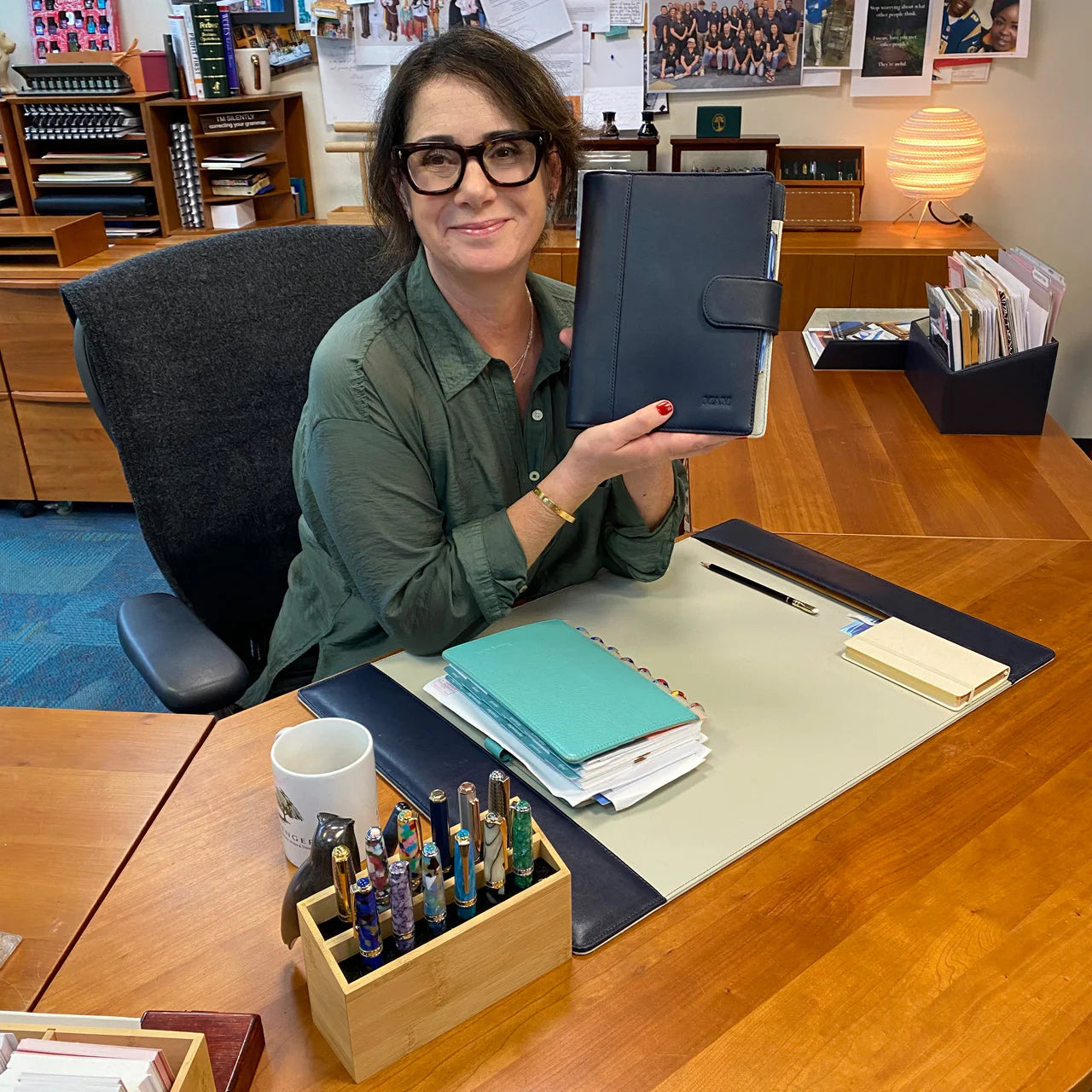
Great meetings are designed, not improvised. Below you’ll find three practical templates—an agenda, a decision log, and an action tracker—followed by refill recommendations that pair naturally with Levenger’s Circa system. Copy the templates into your notebook, print this section as a one‑pager, or adapt them in your preferred size. Levenger paper is designed for smooth, legible writing with frequent handling, so your notes stay crisp long after the meeting ends.
Copy‑ready templates you can print or paste
Tip: To “download,” select the template block, copy it into a document, and print to Letter, Midway, or Junior. Many readers keep one sheet per meeting and a rolling decision log up front.
1) Agenda template (the 60–45–15 focus rule)
Header: Meeting • Date • Time • Location • Objective (one sentence)
- Opening (5 min): Purpose and success criteria.
- Prior decisions (5 min): What’s already decided; what’s pending.
- Main topics (60–45 min): For each topic list Owner • Desired outcome (decide / inform / brainstorm) • Allotted time.
- Parking lot: Capture tangents for later.
- Next actions (10 min): Assign owners and due dates.
- Recap (5 min): Decisions, risks, and follow‑ups.
2) Decision log (single rolling page)
Columns: Date • Decision • Context / Options Considered • Owner • Effective Date • Revisit On • Related Docs/Links.
3) Next‑actions tracker (weekly review)
Columns: Project • Action • Owner • Due • Status • Notes. Review weekly so nothing slips between meetings.
Which Circa refills fit each template?
Choose based on how you think and what you need to show your team. Each option below maps cleanly to the templates above, with clear tradeoffs.
- Agenda + running notes: An annotation margin keeps cues and decisions in the left column while full notes live on the right. The Circa Annotation 1/4" Ruled Discbound Refill (300 sheets) is a value‑savvy workhorse available in Letter, Midway, and Junior, with a Cornell‑compatible margin for organized follow‑through.
- Decision log + milestones: When discussion turns into assignments, the Circa Project Planner Discbound Refill (100 sheets) adds fields for steps, owners, and start/end dates so dependencies are explicit.
- Action tracker (daily/weekly cadence): For managers running multiple touchpoints a week, the undated Circa Daily‑Weekly‑Monthly Planner Refill combines daily priorities, a weekly view, and monthly spreads—useful for Friday reviews and sprint rollups.
- Prioritization after the meeting: If you triage a long list of follow‑ups, the Circa Think and Plan Priority Manager Refill (100 sheets) gives you an Eisenhower‑style grid beside a capture column so you can separate urgent from important without rewriting notes.
- Quick check‑off lists: For stand‑ups and 1:1s, add a focused checklist like the Circa Things To Do Discbound Refill (100 sheets) so micro‑tasks don’t clutter your main notes.
- Circa Annotation 1/4" Ruled Discbound Refill (300 sheets) — Annotation pages give a Cornell‑style margin for agendas and running notes, matching the templates described.
- Circa Project Planner Discbound Refill (100 sheets) — Project Planner pages add fields for steps, owners, and dates to convert discussions into tracked work.
- Circa Daily-Weekly-Monthly Planner Refill — Daily‑Weekly‑Monthly layout provides a dated rhythm for ongoing meeting cadence and follow‑up.
- Circa Think and Plan Priority Manager Refill (100 sheets) — Priority Manager pages add an Urgent/Important grid for post‑meeting prioritization and quick triage.
- Circa Things To Do Discbound Refill (100 sheets) — Things To Do sheets are ideal for short action items and 1:1 follow‑ups generated in meetings.
Size and format: pick what fits your U.S. workday
Most professionals commute with a laptop—Letter size plays nicely with printed decks and attachments, while Midway and Junior carry more lightly from room to room or on regional travel.
- Letter (8 1/2 x 11): Best for printing attachments, capturing full whiteboard sessions, and archiving decisions with context. The Daily‑Weekly‑Monthly refill listed above is offered in Letter.
- Midway: A balanced canvas that’s boardroom‑ready yet bag‑friendly. If you prefer Cornell‑style margins in a slimmer profile, consider the Circa Midway Annotation Notebook as a dedicated meeting book.
- Junior: Ideal for managers on the move—pair your action tracker with a weekly view so follow‑ups stay visible between conference rooms.
Not sure which size “clicks” for you? Trial formats before you commit with the Circa Compact Refill Sampler (100 sheets) for hands‑on testing across layouts.
- Circa Midway Annotation Notebook — A Midway annotation notebook gives Cornell margins in a bag‑friendly size for commute and meetings.
- Circa Compact Refill Sampler (100 sheets) — A compact refill sampler lets you test Midway and Junior pages to pick the best travel size.
- 2026-2027 Circa Daily Agenda Refill — A daily agenda refill is useful if you need a dated, full‑page layout that pairs with Letter printing.
Decision matrix: match your style to the right page
Use this compact table to choose pages by primary need.
| Primary need | Captures best | Ideal meeting types | Recommended refills |
|---|---|---|---|
| Clear agenda + readable notes | Cues in margin; full notes on right | Status updates, client calls, workshops | Annotation Ruled (300) |
| Decisions + dependencies | Steps, owners, dates | Project reviews, cross‑functional planning | Project Planner (100) |
| Prioritization after the meeting | Urgent/Important grid + notes | Leadership huddles, triage sessions | Think & Plan Priority Manager |
| Daily task execution | Time blocks; weekly/monthly rhythm | Teams with many short touchpoints | Daily‑Weekly‑Monthly |
| Quick check‑off lists | Short actions and reminders | Stand‑ups, 1:1s, QA checks | Things To Do (100) |
- Circa Full-Page Grid Discbound Refill (100 sheets) — A full‑page grid refill supports technical diagrams, tables, and structured notes during reviews.
Pro setup: build a meeting‑ready Circa
- One‑notebook rule: Dedicate a single Circa to meetings so actions and decisions live together. A Midway build keeps weight down for commuting and on‑site visits.
- Front section: Keep your rolling Decision Log first, then a monthly index, then your agenda pages.
- During the meeting: Take live notes on the back of a sheet, then flip to the front to summarize highlights, decisions, and next actions. The annotation margin makes this fast and scannable; the 300‑sheet annotation refill balances quality and value for high‑volume note‑takers.
- After the meeting: Convert notes into steps using a Project Planner page so owners, due dates, and dependencies are explicit.
- Weekly hygiene: Park open tasks on Daily‑Weekly‑Monthly pages so nothing slips between sessions.
- Circa Discbound Notebook Starter Kit — A starter kit provides rings, covers, and an initial refill stack to build a meeting‑only Circa.
- Circa Pebbled Leather Foldover Notebook — A durable foldover notebook cover keeps your meeting setup protected and portable for daily use.
- 2027 3 x 5 Daily Calendar Cards — 3 x 5 daily calendar cards offer a compact way to track quick next actions and reference dates.
Download this structure into your notebook
Prefer light guidance without rigid boxes? Many Circa users sketch the agenda and decision sections in the left annotation margin, reserving the right side for detail. If your meetings mix diagrams with actions, a graph‑friendly kit like the Circa L‑Tech Engineer Notebook Bundle offers structure without sacrificing freeform space.
- Circa Blueprint Accessories Bundle — Blueprint accessories provide graph‑friendly tools and accessories for sketching and structured diagrams.
- 2027 Circa smartPlanner Notebook Bundle — A smartPlanner notebook bundle pairs agendas and planning pages suited for mixed agenda and action work.
- Circa Storyboard Refill (100 sheets) — A storyboard refill offers sketch‑friendly pages for diagramming flows alongside meeting notes.
Keep it modular—and economical
Levenger’s Circa system lets you add and rearrange pages in seconds. Many professionals start with a versatile kit like the Super Circa Bundle, then top up with refills as their workflow evolves. You can also earn loyalty points on eligible purchases—use them later for refills when your team refreshes across the quarter.
If you’re building a meeting‑only book, the Circa Think • List • Plan Pad Trio adds flexible formats without overbuying.
- Super Circa Bundle — The Super Circa Bundle is a versatile starter kit that supports modular page swaps as needs evolve.
- Circa Think-List-Plan Pad Trio — The Think‑List‑Plan Pad Trio adds three flexible formats for testing different meeting page types affordably.
- Circa smartPlanner Multi-Focus Bundle — A smartPlanner multi‑focus bundle gives modular dated and undated pages to scale a meeting system cheaply.
Analog + digital harmony
Prefer to scan and share? Circa pages photograph cleanly for cloud notes. For setup ideas that bridge paper with tablets and shared drives, see Digital + Analog Harmony: Using Circa with Tablets, Scans, and Cloud Notetaking. Teams standardizing a shared kit for workshops or onboarding can adapt this guide alongside Circa for Teams: Standardizing Templates and Kits for Departments & Workshops.
Paper, comfort, and size fit
Comfort matters in long working sessions. If you’re left‑handed, prefer a lighter carry, or want tips on balance and layouts, see Accessibility & Ergonomics: Weight, Balance, Left‑Handed Tips, and Page Layouts. To understand how each Circa size changes your day, review Circa Sizes Explained: Jotlet, Compact, Junior, Midway, Letter—Which Fits Your Day?. If you’re optimizing beyond meetings—for goals, habits, or quarterly reviews—see Circa for Goal Setting: Quarterly Reviews and Habit Tracking with Refill Mixes.
Role‑based recommendations
- Project manager: Lead with Project Planner pages for milestones and owners; archive decisions monthly so new teammates can on‑ramp faster.
- Team lead: Keep a thin stack of Things To Do sheets for 1:1 follow‑ups; elevate bigger items to a weekly planner so time and tasks live together.
- Executive/board: Favor annotation pages for legibility and speed; capture final decisions and revisit dates at the top of each note.
- Technical reviews: If your sessions blend sketches, tables, and actions, the L‑Tech Engineer Notebook Bundle supports diagrams on grid with space for decisions and next steps.
- Special Request Circa Full-Page Grid Refill, Compact (100 sheets) — A full‑page grid refill supports technical reviews that mix diagrams, tables, and action items.
- Circa Workweek Planner Refill — A workweek planner gives executives and managers a condensed weekly view for time and task alignment.
- Circa Special Request Weekly Goals Refill (100 sheets) — A special request weekly goals refill supports recurring leadership checkpoints and cadence planning.
Maintenance: keep pages fresh
Archive completed cycles and rebuild seasonally to keep your meeting book slim and current. When it’s time to refresh, see Maintenance & Refresh: Archiving, Rebuilding, and Seasonal Planner Swaps for a painless routine.
Frequently Asked Questions
Which page size works best for remote or hybrid meetings?
Letter is easiest when you print attachments or need visible space for screen‑share notes; Midway balances carry weight with writing room for U.S. commuting. If you’re unsure, compare use cases in Circa Sizes Explained and test layouts with the Circa Compact Refill Sampler.
How do I turn messy discussion into clear decisions and actions?
Take live notes on the back of a sheet, then flip and summarize on the front: one line per decision (with owner/effective date) and one line per action (with due date). For structured follow‑through, copy items onto a Project Planner page and into your weekly planner.
Will these refills handle bold inks and frequent page turns?
Levenger refills listed here specify substantial, pen‑friendly paper weights on their product pages; many professionals rely on them for meeting books.
What if my team needs to standardize a set across departments?
Start with one shared template for agendas, one decision log, and one action tracker. Roll it out with a bundle such as the Super Circa Bundle and adapt by role. For rollout tips and procurement considerations, see Circa for Teams.
Next steps
Copy the templates into your current Circa, test them for two weeks, and note what you actually use. Then refine the mix—annotation for agendas, Project Planner for follow‑through, and a weekly view for continuity. If you’re new to Circa, start lean with the Compact Refill Sampler; if you’re ready for a full setup, browse the Super Circa Bundle and build a kit that supports how you think today and how your work will evolve tomorrow.
- Circa Simply Irresistible Discbound Notebook Sampling Kit — A Simply Irresistible sampling kit provides a broad selection of refills to test different meeting layouts.
- Levenger Rollerball Ink Refill Sampler (set of 6) — A rollerball ink refill sampler helps you pick the pen refill that writes best on Circa paper during trials.


